
Case Workflow
Three steps from scan to restoration
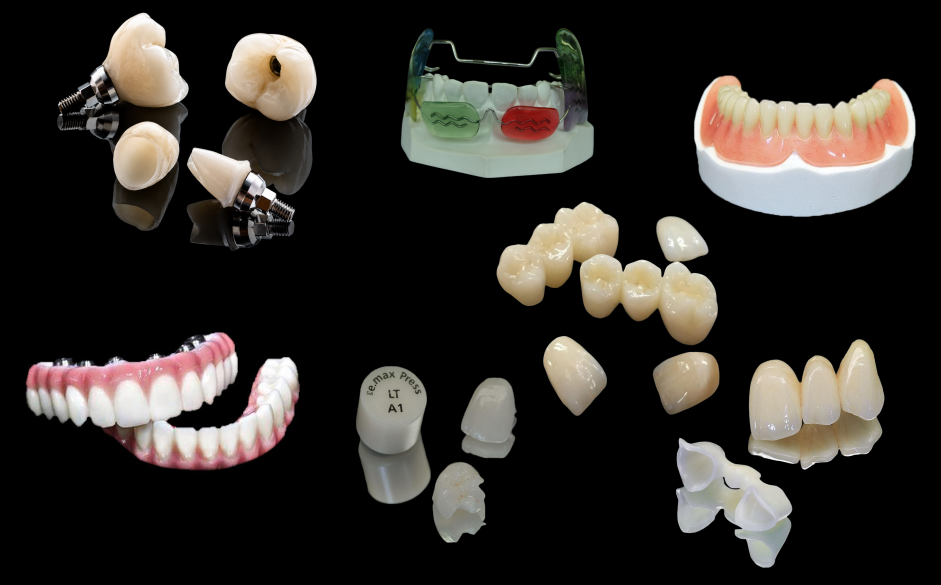
Use this process for crowns, bridges, implants, removable restorations, and other cases that require predictable lab communication.
01
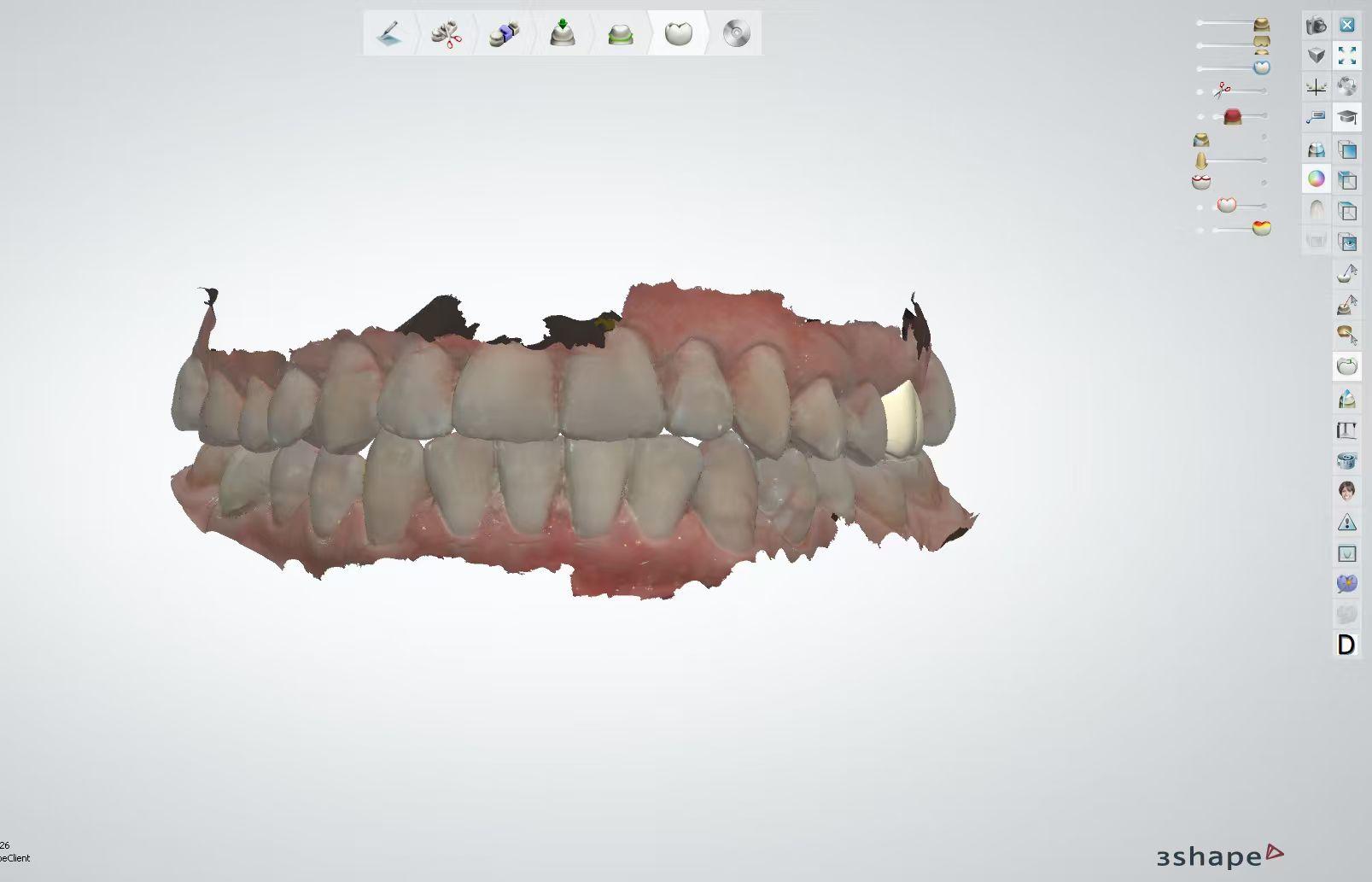
Send scans and prescription details
Prepare your intraoral scan or model scan, prescription, material choice, shade, tooth number, implant system information, and delivery requirements.
- Upload or send STL, PLY, DCM, or ZIP files.
- Include shade photos when aesthetics are important.
- Confirm material, margin, occlusion, and turnaround needs.
02
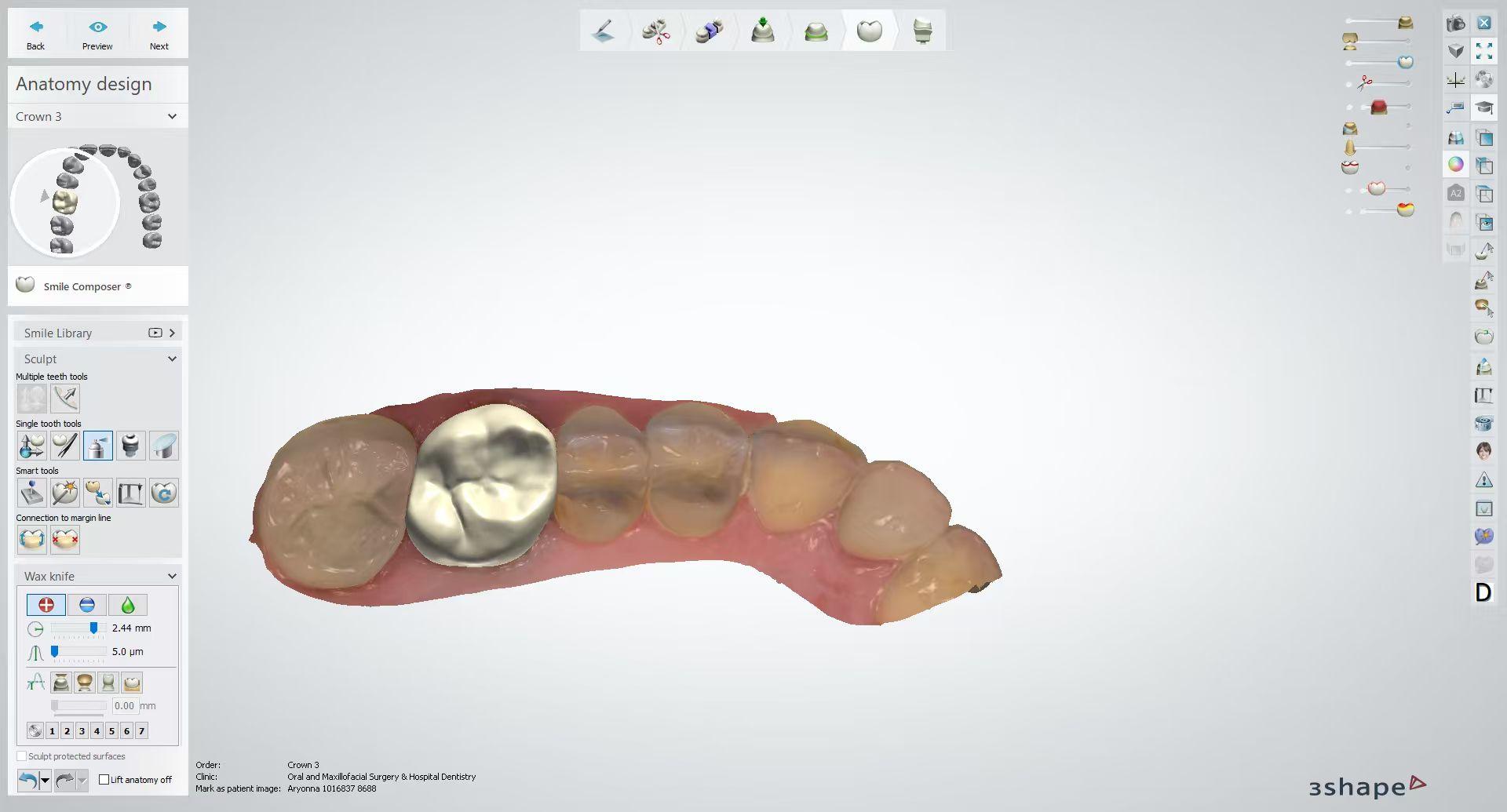
Case review and digital design
Our team checks the received files and requirements before moving into CAD design. If something is missing or unclear, we confirm it before production.
- File integrity, margin clarity, and bite information are reviewed.
- Experienced technicians design for fit, contour, and function.
- Complex cases can be discussed before milling or printing.
03
Production, quality control, and delivery
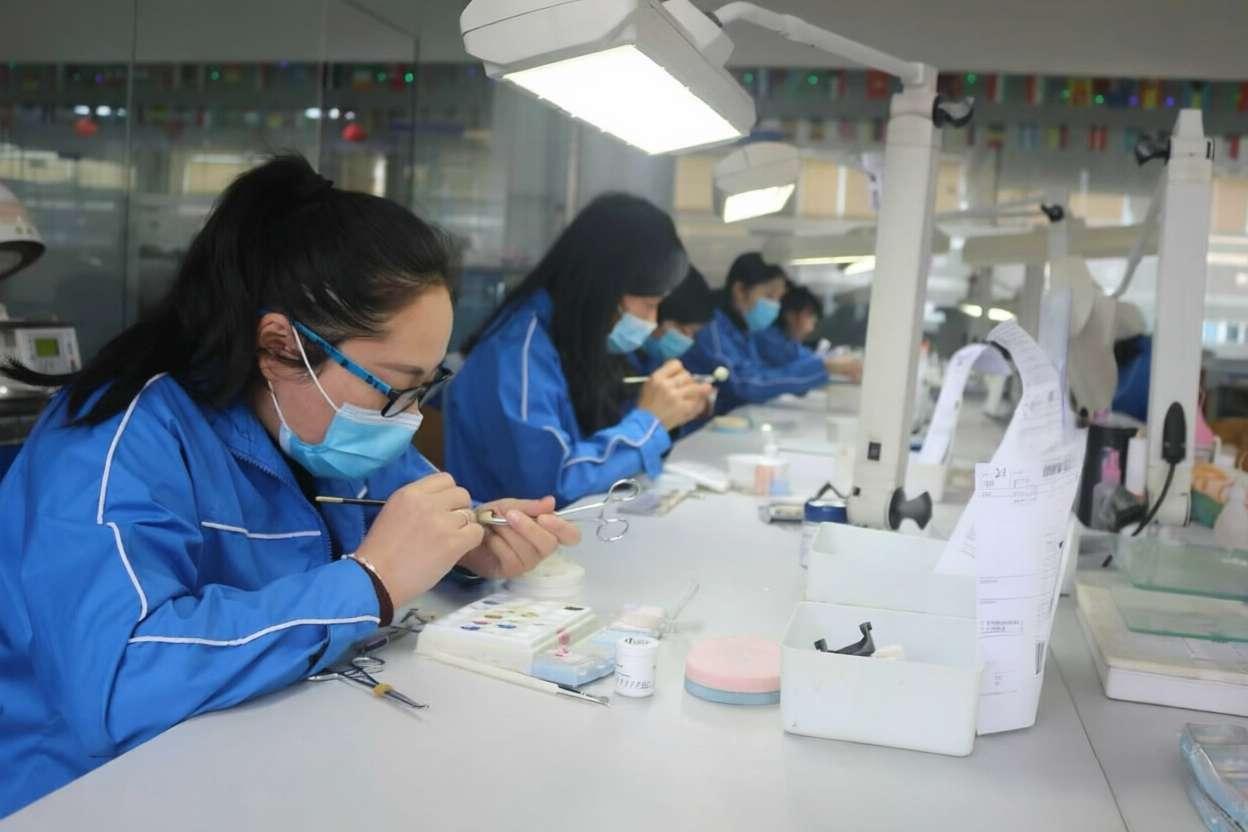
The restoration moves through controlled milling, finishing, staining, glazing, inspection, and packing before shipment.
- Production follows material and case requirements.
- Fit, contacts, occlusion, shade, and surface finish are checked.
- Our team stays available for delivery and after-sales support.
Files & Scanners
Compatible with open digital workflows
We support common open-format scanner exports and case packages. If your software can export clean open files, our team can usually review the case.
3Shape TRIOS
iTero
Medit
Primescan
Carestream
Planmeca
Accepted file formats
- STL Standard monochrome 3D model files for most scan workflows.
- PLY Color 3D files, useful when texture or shade information is included.
- DCM Native 3Shape files exported for laboratory use.
- ZIP Bundled case files with scans, photos, and prescriptions.
Before You Send
Case details that help us move faster
Patient and tooth information
Include patient or case ID, tooth number, arch, restoration type, and delivery deadline.
Material and shade
Tell us the preferred material, shade, translucency, staining needs, and any special finishing request.
Implant components
For implant work, include system, platform, scan body information, abutment preference, and screw channel notes.
Photos and instructions
Attach preparation photos, shade photos, bite records, or notes for margins, contacts, pontics, and occlusion.
What Happens Next
We review the case before production begins
When files and instructions arrive, we check whether the case is ready for design and production. If our team sees missing information, unclear margins, or compatibility questions, we contact you before moving forward.
Clear file review
Production confirmation
Quality inspection
Delivery support
Start a Case
Ready to discuss a digital dental case?
Send a short note about your restoration type, materials, scanner files, and turnaround needs. Our team will respond with practical next steps.